Menus, shopsand HUDs forRoblox games.
I design UI for Roblox games and build it in Studio. Mostly the screens players open fifty times a session: shops, upgrade menus, daily rewards, the buttons down the side of the HUD. Small surfaces, heavy traffic, almost always a phone.
- Based
- Remote
- Since
- 2022
- Works in
- Figma + Studio
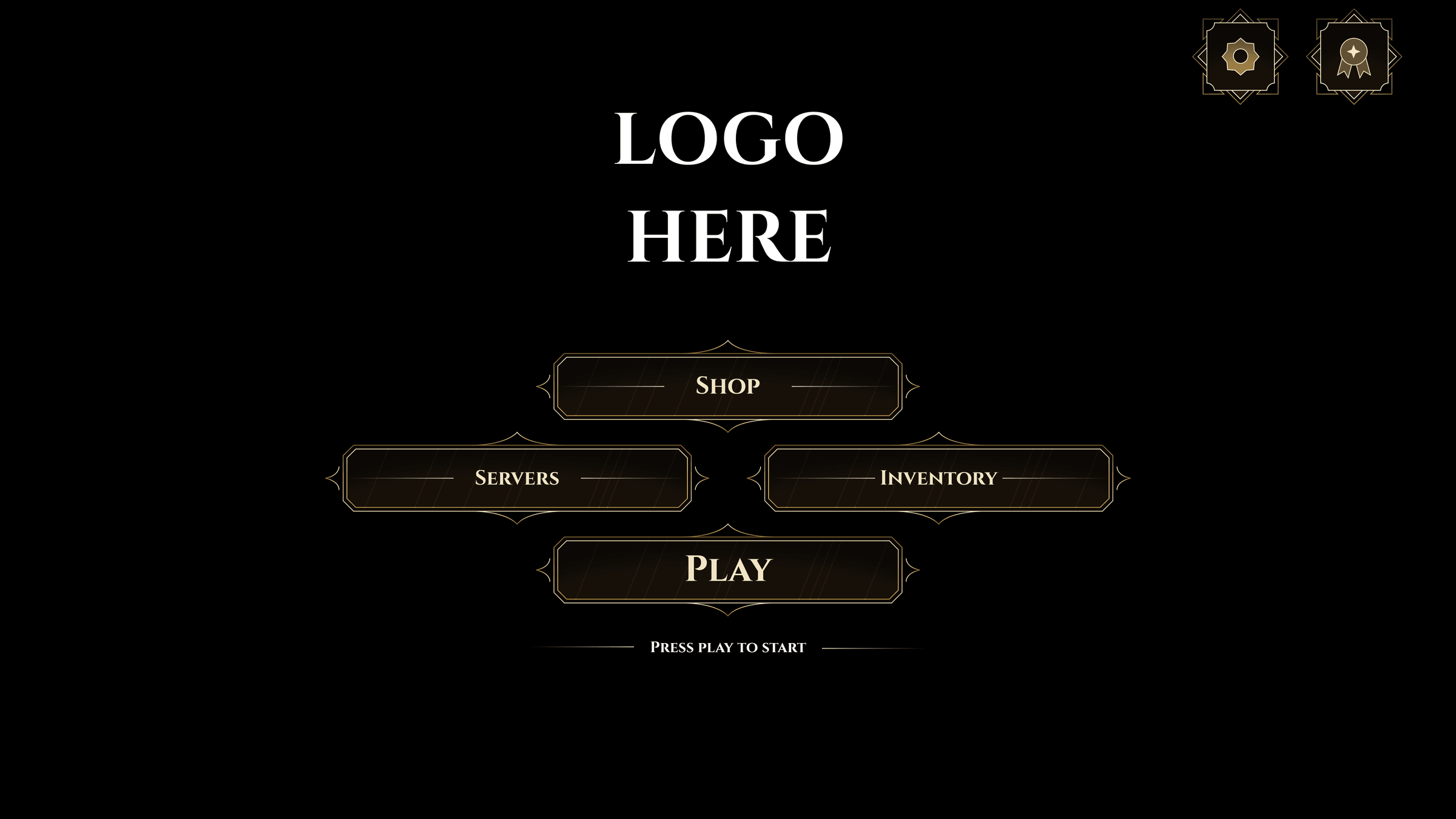
Selected work
All 11 →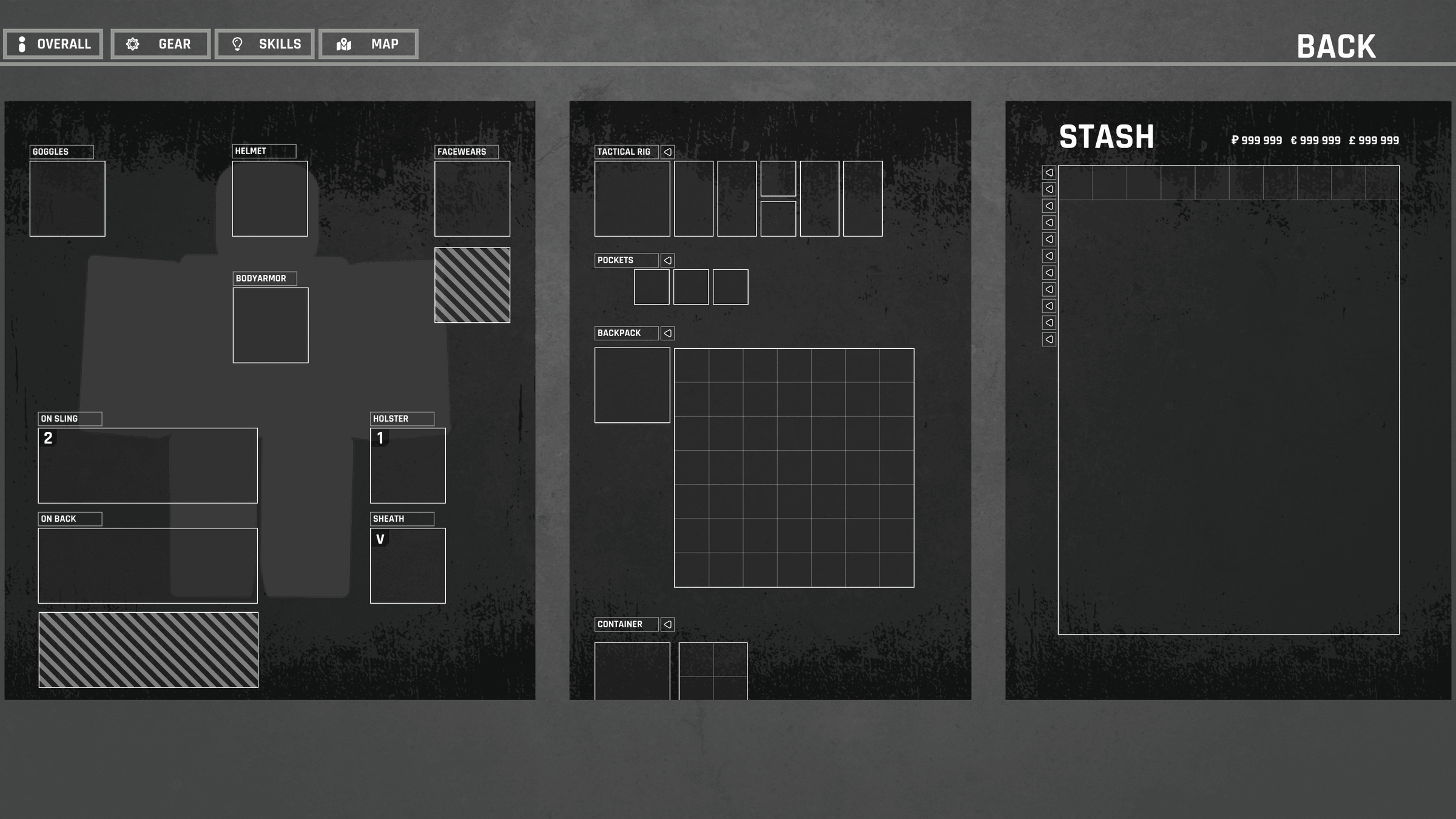
Menu
Loadout & Stash
Extraction-shooter equip screen: body slots, grid containers, and a full stash on one page.
Figma · Roblox Studio
Read case study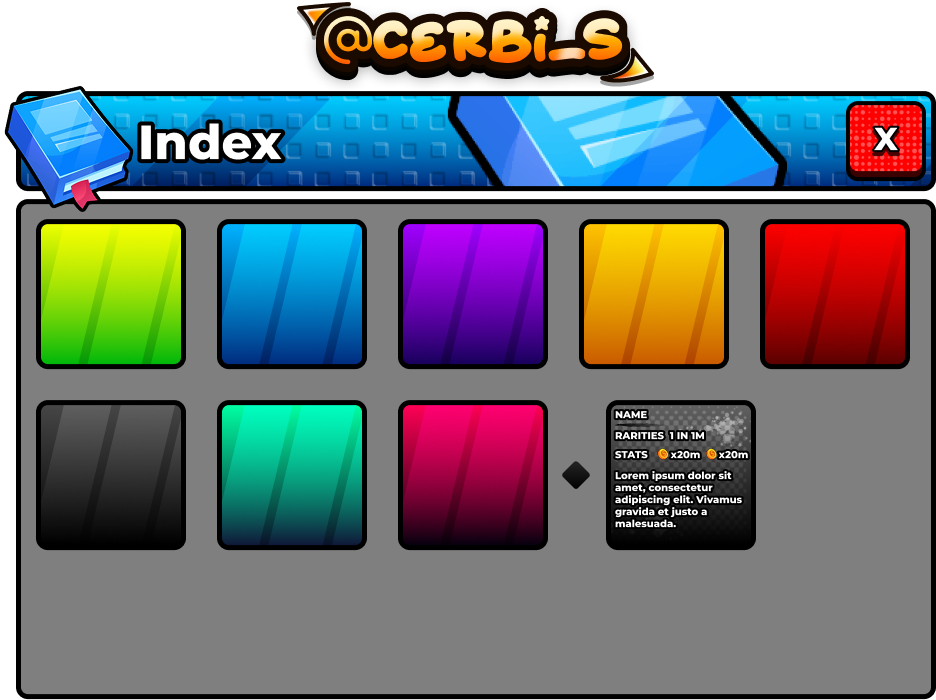
Menu
Index
The main navigation modal and router for game modes, shops, and inventories.
Figma · Photoshop · Roblox Studio
Read case study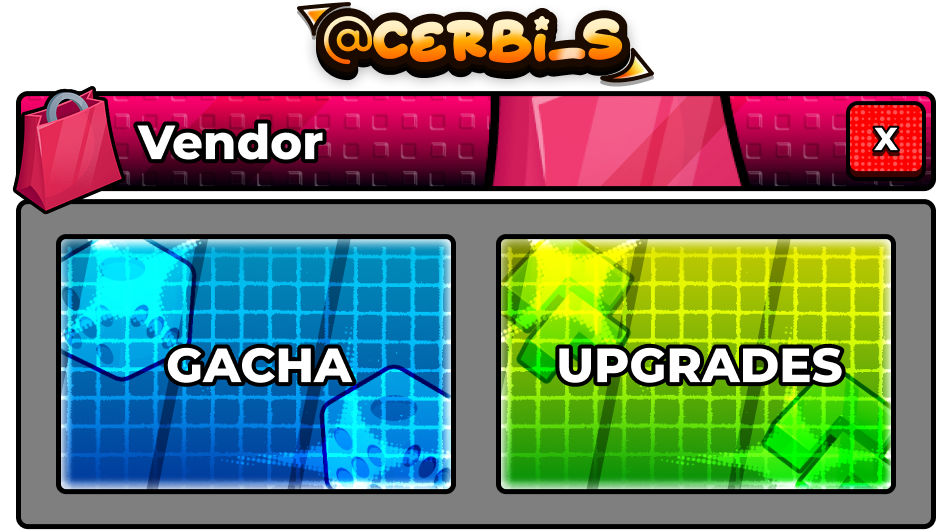
Menu
Vendor
The merchant screen that routes spending into random rolls or flat stat upgrades.
Figma · Roblox Studio
Read case study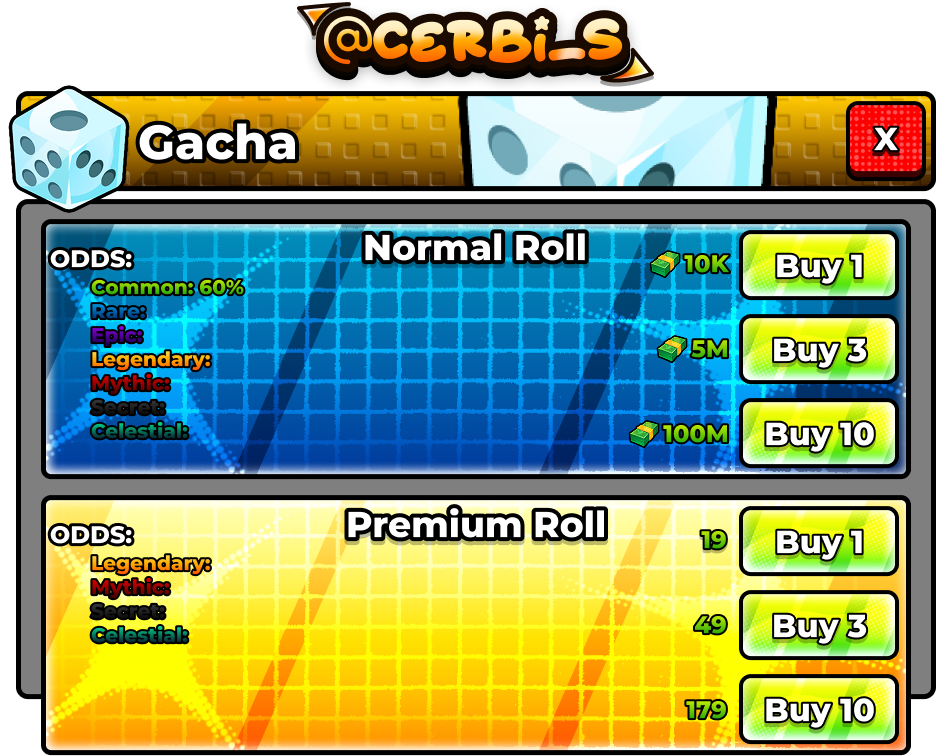
Economy
Gacha
RNG roll screen with live drop-rate probabilities, dual currencies, and 1x / 3x / 10x pulls.
Figma · Roblox Studio
Read case studyWhat I take on
- Screens
- Shops, upgrade menus, reward popups, settings, HUD. I design them against the actual loop, which usually means finding out how often a screen gets opened before deciding how much room it gets.
- Systems
- One set of frames, buttons, badges and type sizes that every later screen is built from. Costs a bit more on screen one. Saves you on screen twenty.
- Build
- I hand over working Luau, not a Figma link. Scaling handled for phone, tablet and desktop, with state kept somewhere your programmer can find it.
- Second opinion
- If your game is live and something in the UI is losing people, I will play it and write up what I would change. Cheaper than a rebuild, and sometimes that is all it needs.