01 / 09
Main Navigation Hub & Interface
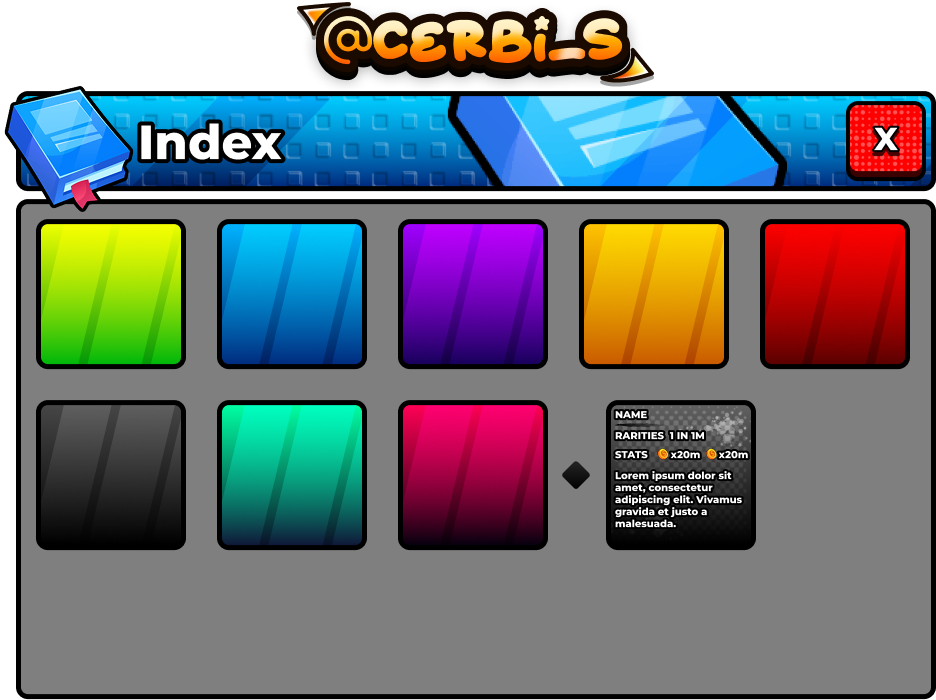
A bold, high-contrast modal connecting players directly to core game modes, shops, and progression portals.
- Role
- UI/UX Design, Visual Styling
- Year
- 2025
- Type
- Roblox UI
- Figma
- Photoshop
- Roblox Studio
Overview
Designed the primary navigation hub that greets players and acts as the central router for experience activities, portals, and inventory systems.
Problem
Design Challenge
Main menus in Roblox often get buried or cluttered with secondary buttons. The goal was to build a clean, instantly readable index modal that directs player attention without hesitation.
Process
Design & UX Workflow
- 01
Standardized visual frame language
Established thick black outlines, metallic bevels, and vibrant gradient backdrops that set the art direction for the entire game.
- 02
Optimized mobile touch targets
Engineered large interactive portals and clear close triggers for seamless thumb reach on phones and tablets.
- 03
Consistent brand header treatment
Created custom comic typography with high-contrast drop shadows and signature header badges.
Solution
Final Interface System
A central command modal with vivid visual cues, clear portal buttons, and responsive auto-layout scaling.
Outcome
Impact & Specifications
An intuitive launchpad that guides new and veteran players to active gameplay loops in seconds.
- Asset Format
- Figma Vector
- Touch Design
- Mobile-First
- Visual Hierarchy
- High Contrast